

Introduction
The OBD (On-Board Diagnostics) system is an essential component for detecting and resolving issues in modern vehicles. Using OBD2 scanners and code readers, it’s possible to interpret fault codes and repair them effectively. This article introduces the essential tools for diagnosing and fixing OBD codes, tailored to your needs and experience level.
1. Types of OBD2 Diagnostic Tools
a) Basic Code Readers
- Designed for hobbyists or beginners.
- Allow reading error codes and turning off the check engine light.
- Popular examples:
- Autel AutoLink AL319
- FIXD OBD2 Scanner
b) Advanced OBD2 Scanners
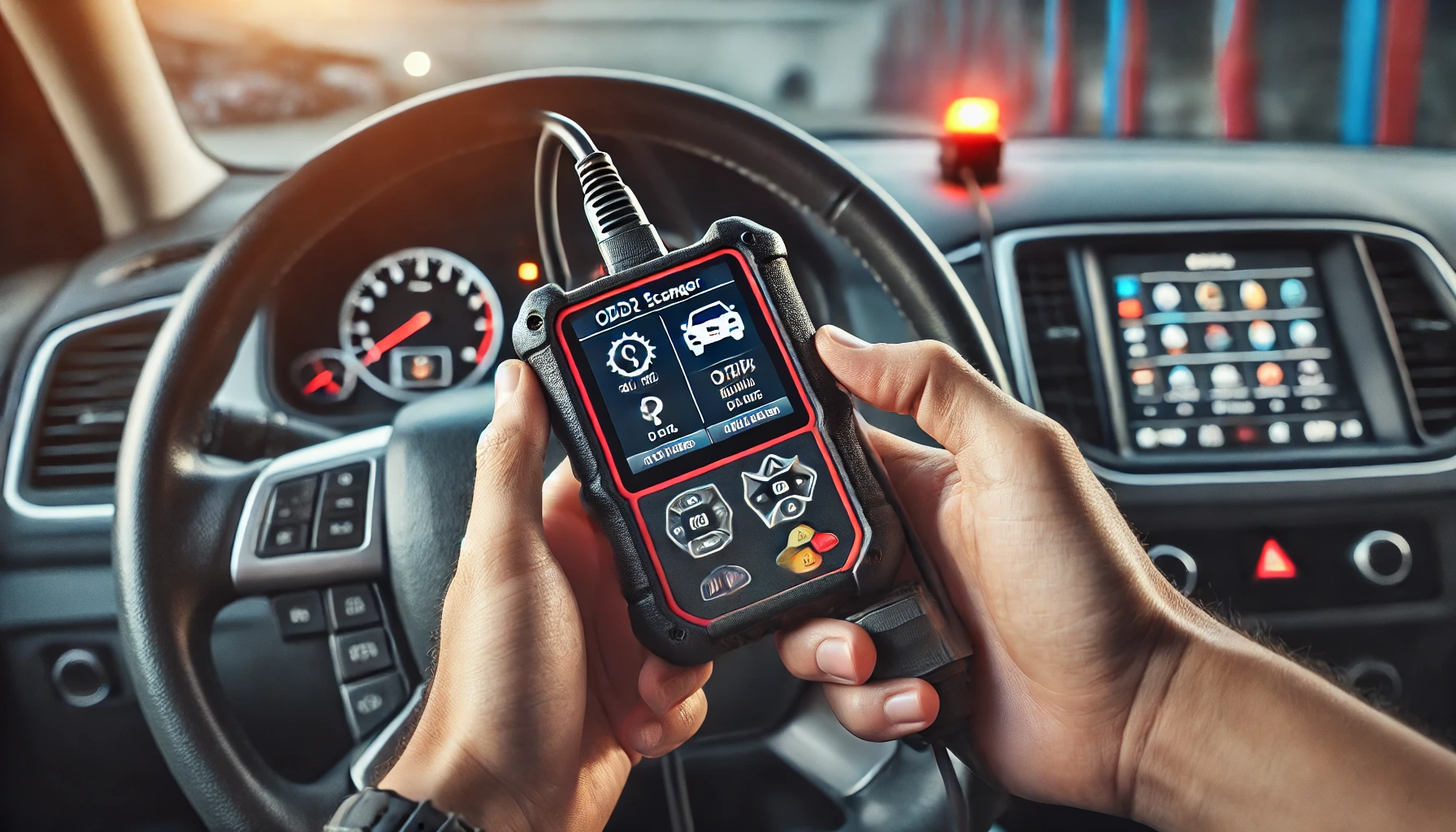
- Suitable for professionals or experienced users.
- Advanced features like real-time data analysis, sensor tests, and in-depth diagnostics.
- Popular examples:
- Launch CRP129X
- BlueDriver Bluetooth Pro
c) Bluetooth/Wi-Fi OBD2 Interfaces
- Connected to a smartphone or tablet via an app.
- Convenient, portable, and often affordable.
- Popular examples:
- ELM327 (compatible with multiple applications)
- OBDLink MX+
d) Professional Diagnostic Stations
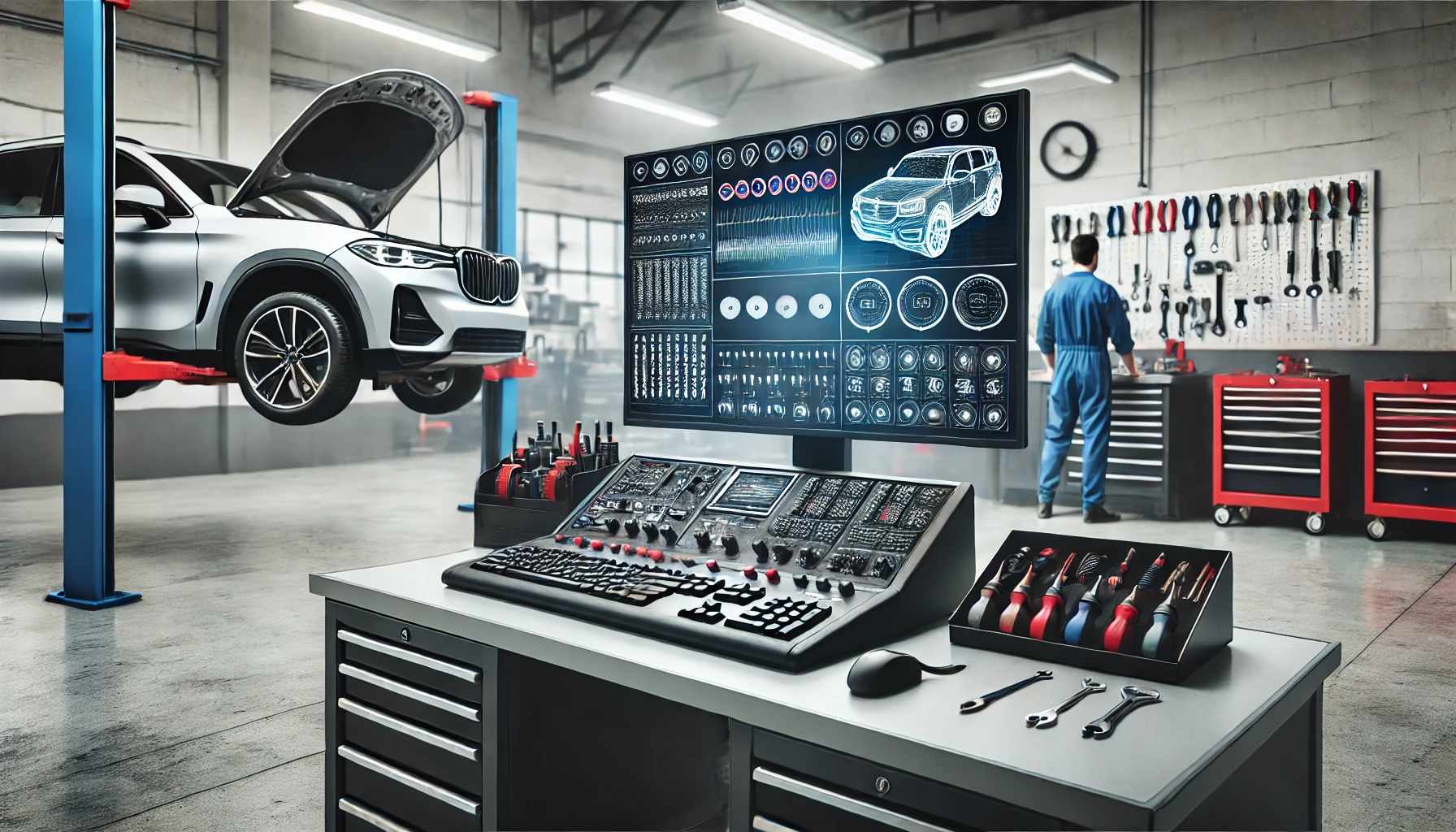
- Complete systems used in automotive workshops.
- Offer advanced programming and reset functionalities.
- Popular examples:
- Autel MaxiSys Elite
- Snap-on SOLUS Edge
2. Criteria for Choosing an OBD2 Scanner
- Compatibility: Ensure the tool is compatible with your vehicle (make, model, OBD2 standards).
- Ease of Use: An intuitive device with a clear interface is preferable for beginners.
- Features: Choose based on your needs: basic code reading, error clearing, in-depth analysis.
- Budget: Prices range from €20 (basic readers) to several thousand euros (professional stations).
- Connectivity: Bluetooth or Wi-Fi for a mobile experience with user-friendly apps.
3. Mobile Applications for OBD2 Diagnostics
With Bluetooth/Wi-Fi interfaces, several apps allow access to vehicle data:
- Torque Pro (Android)
Real-time data analysis, chart creation, and fault diagnosis. - CarScanner ELM OBD2 (iOS and Android)
Intuitive interface with advanced features. - OBD Auto Doctor
Multi-platform compatible, with free and paid versions. - BlueDriver
Dedicated app for the BlueDriver tool, ideal for in-depth diagnostics.
4. Complementary Tools for Repairs
To resolve detected issues, it’s essential to have a minimum set of tools:
- Multimeter to check sensors and electrical circuits.
- Set of wrenches and screwdrivers to disassemble necessary parts.
- Carburetor/injector cleaner for codes related to air/fuel mixture.
- Compression tester for engine-related diagnostics.
5. Tips for Effective Use of OBD2 Tools
- Always read the manual of your scanner to understand its features.
- Avoid clearing codes immediately without resolving the underlying issue.
- Consult online databases or forums to interpret specific codes.
- Perform regular diagnostics to prevent costly breakdowns in the long term.
Conclusion
Investing in a good OBD2 tool is an essential step for any vehicle owner or mechanic. Whether it’s a simple code reader or an advanced diagnostic station, each tool offers benefits to keep your car in perfect working order. Take the time to choose a device that suits your needs and familiarize yourself with its use to optimize your repairs.