

This often happens when you’ve just done an oil change, but the oil change light still appears. Well, there’s no need to worry since this scenario occurs quite commonly. The reason here is that the light needs to be reset manually.
For this, you need to follow a few instructions, and in the end, you’ll get rid of that oil change reminder light. Let’s see how to reset the oil change light process.
How to Reset the Oil Change Light
The universal process for resetting the engine oil change light remains the same. However, we will describe it in two ways: simple and vehicle-specific.
But wait; do not start the process if you haven’t changed the engine oil recently. This would only damage your engine since you’re using old oil.
The General Engine Oil Light Reset Procedure
To know how to reset the oil change light in general, get the car keys, plug them in, and turn on the car without starting the engine. You can do this by turning the key halfway to power the car but not the engine.
Now, focus your eyes on the dashboard and try to locate the “Reset” button or a stalk. It might be near the speedometer and fuel gauge.
In some cars, the reset button is under the hood; you can learn more using your car’s manual.
Let’s say you’ve found the button, hold this button down until the “Oil” icon or any other message flashes.
Now, remove your finger from the reset button and also turn off the ignition. Wait a few moments and this time use your car key to start the engine. This simple act of pressing and holding the reset button resets the oil change light.
If you can’t follow the procedure lightly, hand your car over to any mechanic and let them do it for you. It only takes a few minutes and you’re done.
Note: In some cars, the reset button is not found as it’s located in the car’s computer. This would require a specific tool to access the area. A professional repairer comes in handy in this case if you don’t want to handle the damage yourself.
The Vehicle-Specific Procedure
Chevrolet and GMC Models without VIC
These instructions explain how to turn off the oil change light for 2005 and older GMC models delivered without a Vehicle Information Center (VIC).
Get into your vehicle and use the key to put the car in the accessory position. In this position, you can see that the dashboard will light up.
Now, you need to access the accelerator pedal and press it to the floor. This must be done within the first five seconds when you turn the key.
Keep an eye on the oil light during this process, as it must flash before you release the pedal.
Now, remove the key and start your car’s engine; the light should no longer flash. You might not succeed right away; it’s normal to consider repeating the process.

Chevrolet and GMC Models with a VIC
Chevrolet GMC models equipped with a VIC or models introduced from 2006 onwards will benefit from the following procedure:
Turn the ignition key to the accessory position.
With the oil message displayed, locate the Enter button on the Driver Information Center. Press and hold the button for one second. The panel will acknowledge your reset, allowing you to move the key to the off position.
Start the vehicle. The oil change light will remain off until it’s time to change your oil again.
Jeep Wrangler

Move on to the instructions for resetting the engine oil light when it comes to a Wrangler.
Put the key in the ignition and turn it to the position where it says “On”. However, you do not need to start the car’s engine.
Move your foot to the accelerator pedal and press it three times slowly, which should take you about 10 seconds.
This resets the engine oil button and you can now turn off the ignition and also remove the key.
Finally, insert the key and start the engine, and the oil change light should no longer be there. If it is, repeat the process and you’re done.
Honda Accord
Let’s say if you have a Honda Accord. Here’s how you will perform the reset for the same:
Take your key and put it in the ignition, as before, do not start the engine.
Go to your speedometer and locate the “select” stalk. You need to press it to see some kind of sign, like the word “oil” or a key icon.
Press and hold the stalk for 10 seconds, and this will make the icon flash. Then, you can release the stalk and press “select” again for an additional five seconds.
This will make the engine oil light disappear. You may not be an expert at this and might need to repeat the process until you get it right.
Surprise yourself with maintenance tips and keep your car in pristine condition.
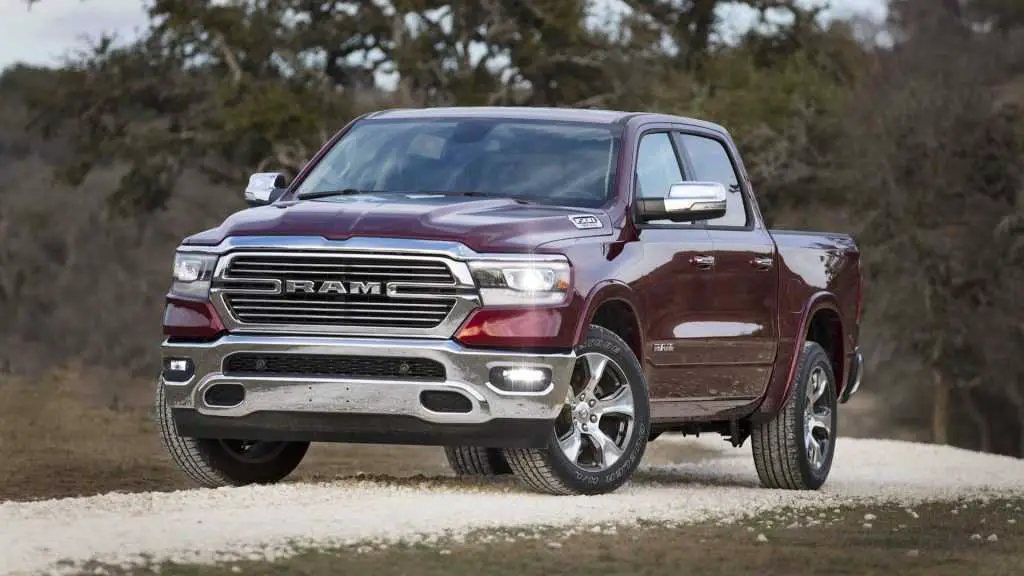
Ram Truck
These instructions are for resetting the light on trucks equipped with the “Enter-N-Go™” option.
- The first step remains the same, where you need to insert the key into the ignition and turn it on without starting the engine.
- Go to the accelerator pedal and press it three times to the floor.
- This simple and straightforward technique makes the light icon disappear.
- Turn off the ignition and you can try to start the engine; the light should not be there.
Conclusion
Always change the engine oil according to your manual and only reset the engine oil change light after that.
Remember to change the engine oil and read more about how you should determine if the engine oil needs to be changed based on its color. Now, to conclude this article, we hope you understand how to reset the oil change light.