
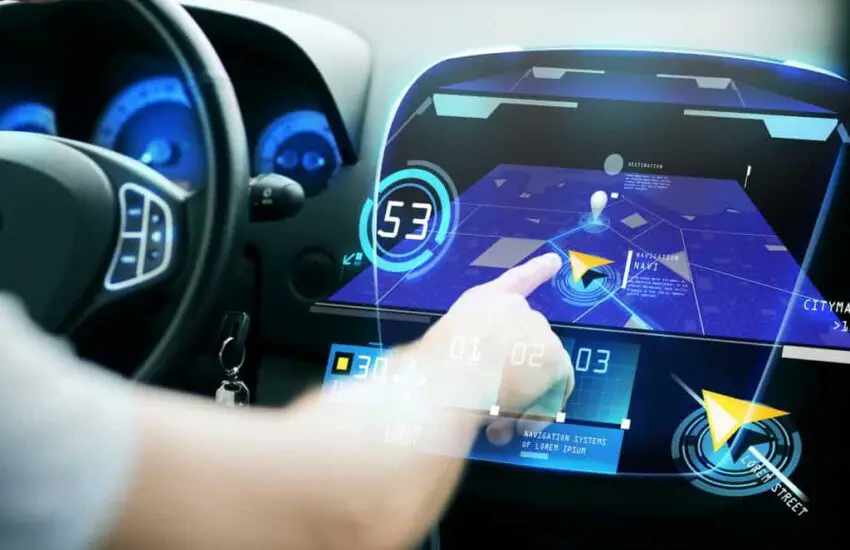
The car computer, also known as the ECU (Electronic Control Unit), is designed to monitor your vehicle’s engine system. It keeps track of tolerance changes in the engine’s actuators and sensors while you drive. All information is stored in the RAM, backed up by the car battery. Every time you start the car, the ECU reads the last recorded values instead of starting from scratch. However, sometimes it may falter, and you might wonder how to reset the car computer without consulting a professional.
Here, we will provide you with some maintenance tips to resolve your car computer issues.
Symptoms of a Bad Car Computer
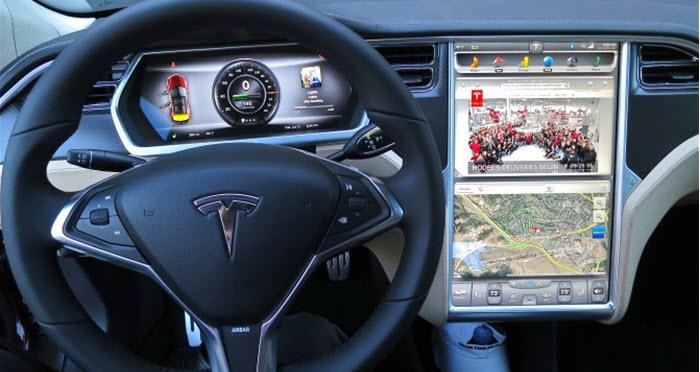
The car computer is usually located in the engine compartment or under the dashboard and communicates with other vehicle systems via a network of sensors, actuators, and other electronic components. The computer uses this data to make real-time adjustments to the car’s performance, such as adjusting the fuel/air ratio, ignition timing, and other critical parameters. When your car computer fails, it will display a long list of symptoms that make driving your car difficult. Let’s explore some common signs below:
Check Engine Light Warning
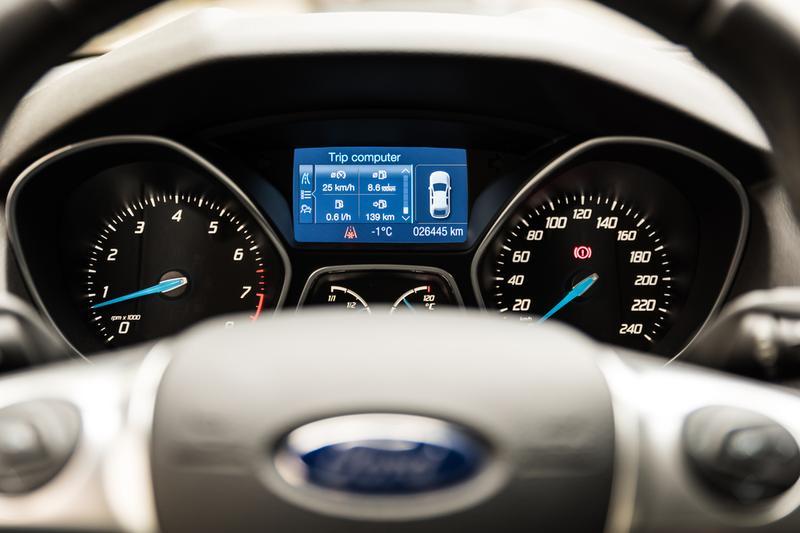
Usually, the check engine light comes on at the first sign of a problem. The simplest symptom to recognize the condition of your car computer is when the check engine light illuminates on your car’s dashboard. This sign may indicate an issue with the car computer. The check engine light can be triggered by a number of problems, including issues with sensors, wiring, or other computer components.
Engine Performance Issues
A faulty car computer can lead to poor engine performance, resulting in rough idling, stalling, or difficulty starting. The engine may also experience a loss of power or reduced fuel efficiency.
Transmission Problems
A defective car computer can also affect the transmission, causing issues such as delayed shifting, harsh shifting, or transmission slipping.
Failed Emissions Test
If the car fails an emissions test, it could be a sign of a problem with the car computer. The computer is responsible for managing the car’s emissions, so a faulty computer can cause the car to produce more pollutants than it should.
Electrical Issues
A faulty car computer can also cause electrical problems throughout the vehicle, such as malfunctioning headlights, power windows that won’t go up or down, or issues with the car’s audio system.
How to Reset the Car Computer? The Steps
If your car’s check engine light remains on even after the engine has been repaired, you may need to clear the error codes to turn off the dashboard lights. This requires you to reset the car computer to resolve the issue. You would need equipment including a battery wrench, a 10-watt resistor, and a cable or electrical tape.
Please follow the steps mentioned below to reset your car computer.
1. Turn Off the Battery
The first step is to turn off the car. Then, remove both battery terminals using the battery wrench and remove the battery from the compartment. This ensures no power is flowing while you reset the car computer and also allows you to perform battery maintenance. You can also consult a professional on how to reset the car computer.
2. Handling the Battery Wires
Once both terminals are removed from the battery, make sure to couple the negative and positive wires connected to the engine. Then, tie them together with a cable or electrical tape.
3. Perform a Software Reset
The software reset to factory settings involves cutting power to the computer and draining any residual current that may be inside the capacitor circuit. Once the computer loses all power, it will lose any remaining memory. In most cases, this would be error codes, which would also be erased. This is an important step when you reset the car computer.
4. The Car Battery
Meanwhile, it’s a good idea to inspect the car battery while the circuit power is drained. Use baking soda or water to clean the battery and its terminals. This will help you reset the car computer in less time.
5. The 45-Minute Wait Time
After a period of 45 minutes, reconnect the battery and its terminals as they were. Make sure to check the polarity of the terminals. You can also use these steps to reset the car’s air conditioning system.
6. Final Step
Start your car, and the error codes will have been cleared, and the issue resolved.
Watch more in this video:
Summary
Resetting a car computer can be a useful troubleshooting step to resolve certain issues with a vehicle, such as a Check Engine light or performance problems. To reset the car computer, a common method is to disconnect the battery for a few minutes, which will clear all stored data and reset the computer’s memory. Another method is to use an OBD-II scanner or diagnostic tool to clear any diagnostic codes that may be stored in the computer.
It is important to note that resetting the car computer alone may not resolve the underlying issue causing the problem, and it is always recommended to have a qualified mechanic diagnose and repair any issues with the vehicle. Additionally, resetting the car computer may clear certain settings or preferences, such as radio presets or climate control settings, which will need to be reconfigured after the reset.
Next time you encounter an issue with the engine lights staying on, remember these tips on how to reset the car computer, as they will surely resolve the problem.